 tackshape
A story taking shape
Lay out scenes, follow a character, or connect the detail that makes an ending work.
FREE DURING LAUNCH
Pin a note. Follow a thread. Move things around until the bigger picture starts to take shape.
Open a board1 GB of cloud space per account. No payment details.
THINK OUT IN THE OPEN
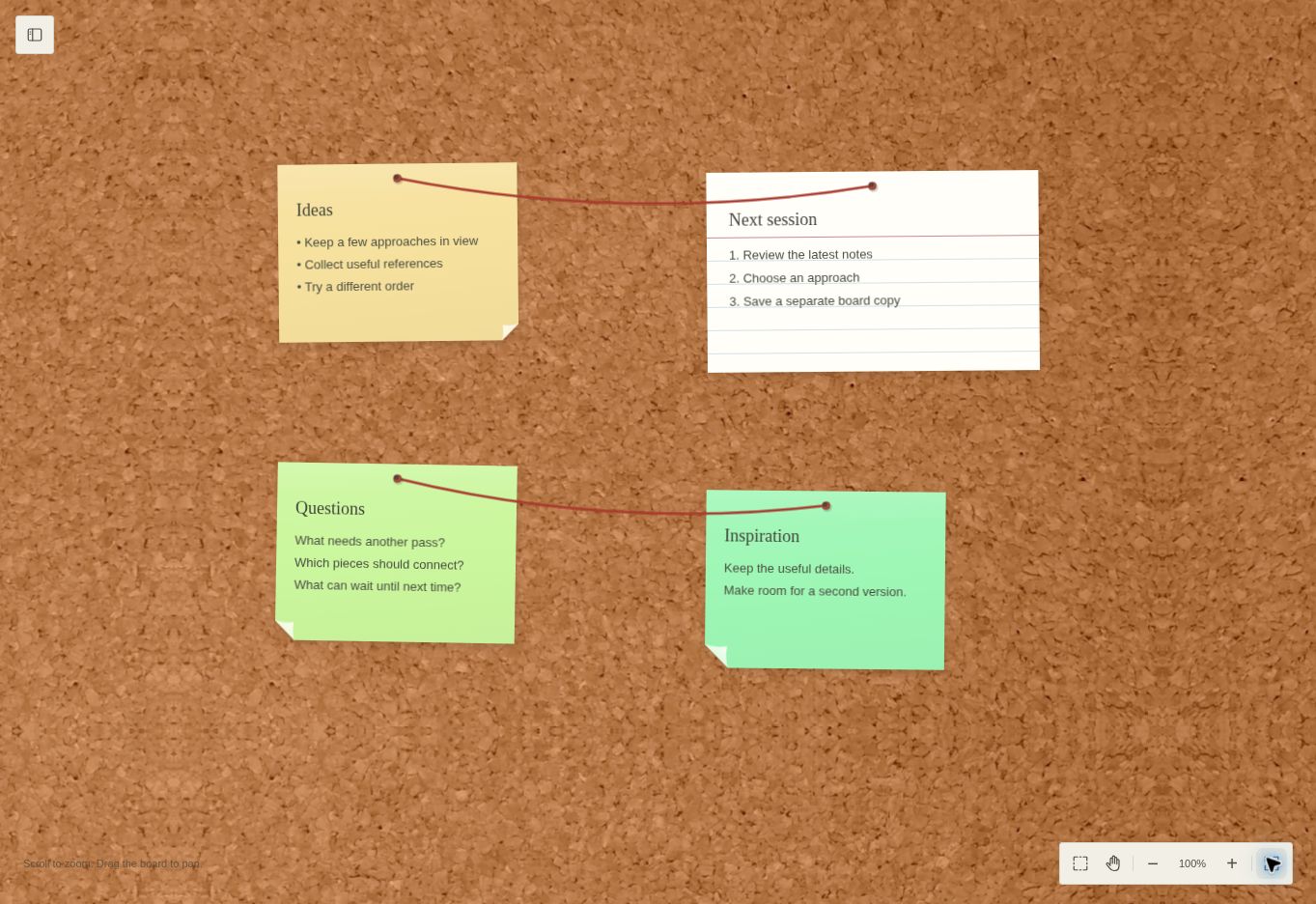
Give them room. TackShape is a freeform corkboard for the first thought, the unanswered question, and everything that connects them.
Quick notes for loose ideas. Lined index cards for the ones that need a little more space. Make your own categories and keep the useful ones close.
Join ideas with string. Use pins and tape to give the board character. Move a note and its connections come along with it.
Drag, resize, and rearrange. Step back with a zoom or bring one idea into focus. Try another layout without starting from scratch.
MAKE IT YOURS
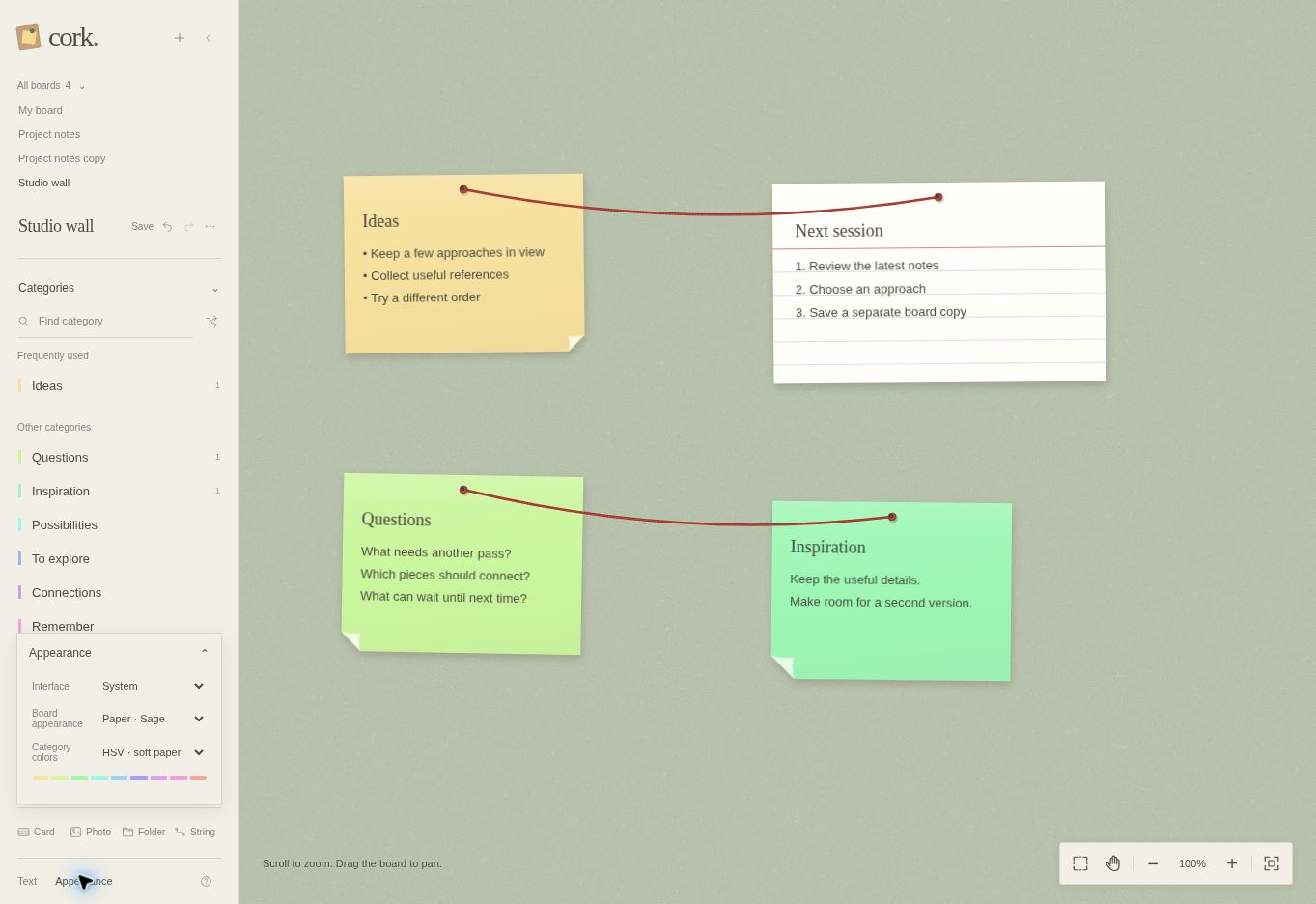
Warm cork or textured paper. Quiet colors or a brighter mix. Choose your fonts, shape your notes, and build a space you want to come back to.
A FEW PLACES TO START
Lay out scenes, follow a character, or connect the detail that makes an ending work.
Gather questions, group the possibilities, and keep the next few moves in view.
Give a small idea somewhere to land before the next one arrives.
THE LITTLE DETAILS
Yes. TackShape is free during launch, with no payment details required. Paid subscriptions are planned for later; they are not switched on now.
Sign in to keep your boards in your TackShape account, with 1 GB of cloud storage. Open them again when you return. You can also import and export board files.
No. Open a board in a modern browser on your computer, tablet, or phone. A larger screen gives you more room to arrange a board.
Sticky notes, lined index cards, pins, tape, and string connections. Create your own categories, edit text, and arrange everything freely.
Use it for a story, a project, a brainstorm, or a collection of questions. The board gives you a place to work things out; you decide the structure.
The editor’s guide covers placing notes, moving around, styling, and connections. For other questions, email tackshape-support@agentmail.to.
START WITH ONE NOTE
Free during launch. No payment details.